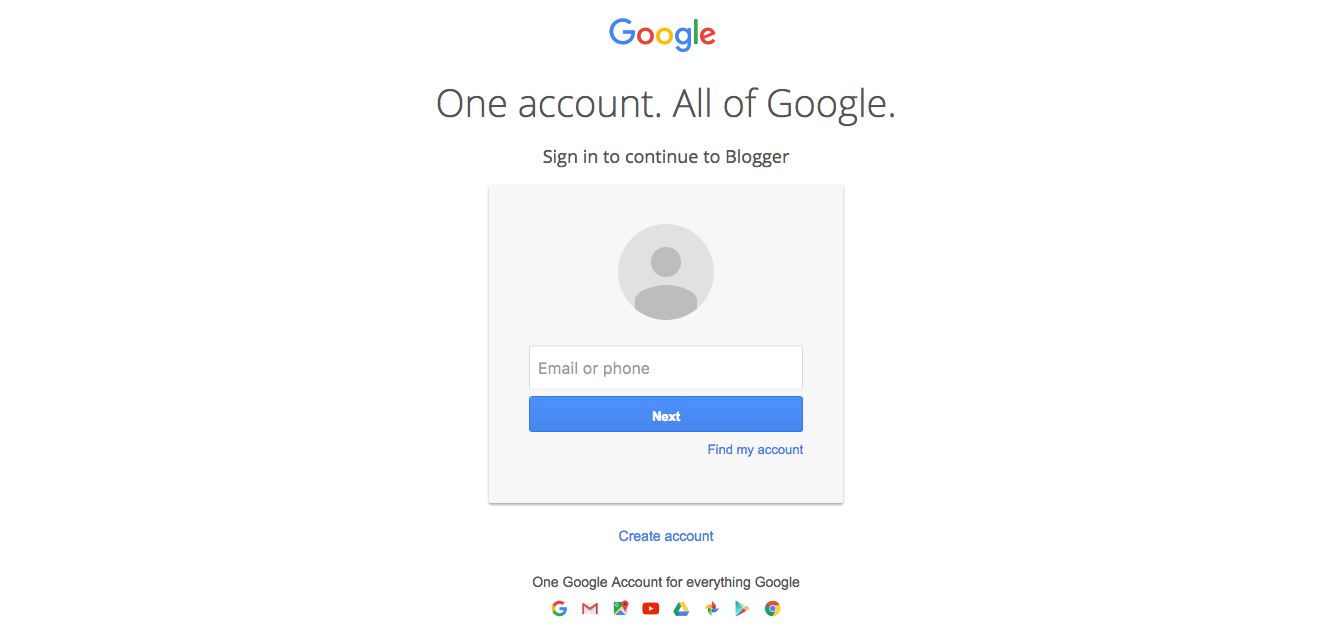
You must logged in your google account to access your blogger dashboard (Ignore this step if you are already logged in)
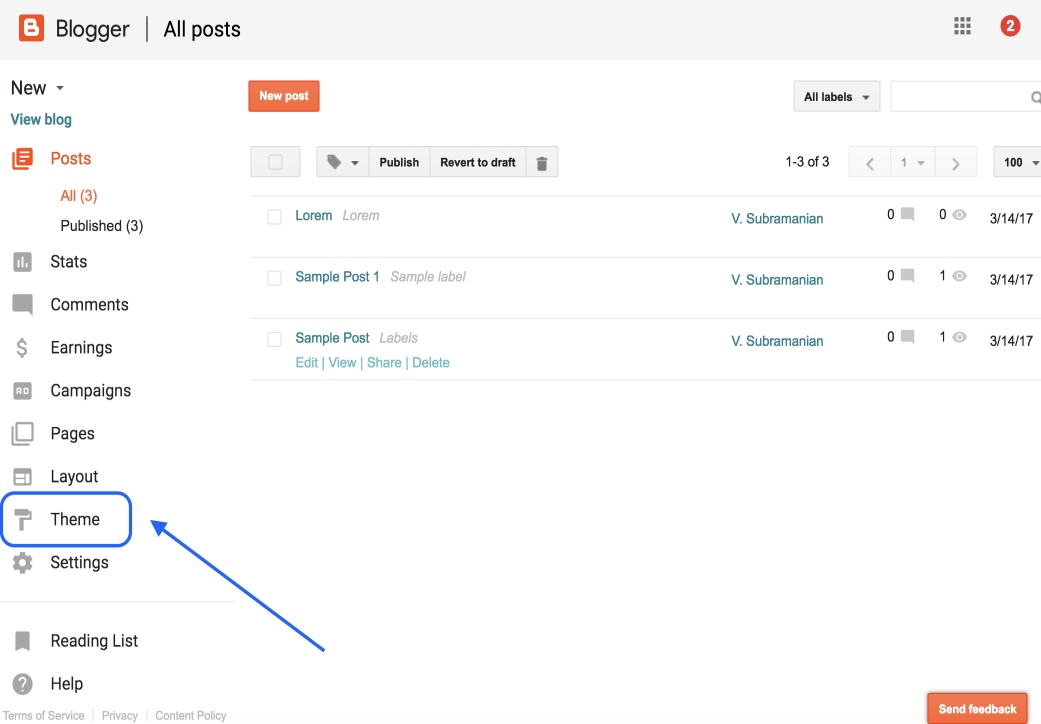
Choose (If you have multiple blogs) your Blog in your Dashboard that you want to change template, and click “Theme” in the option panel on the left.
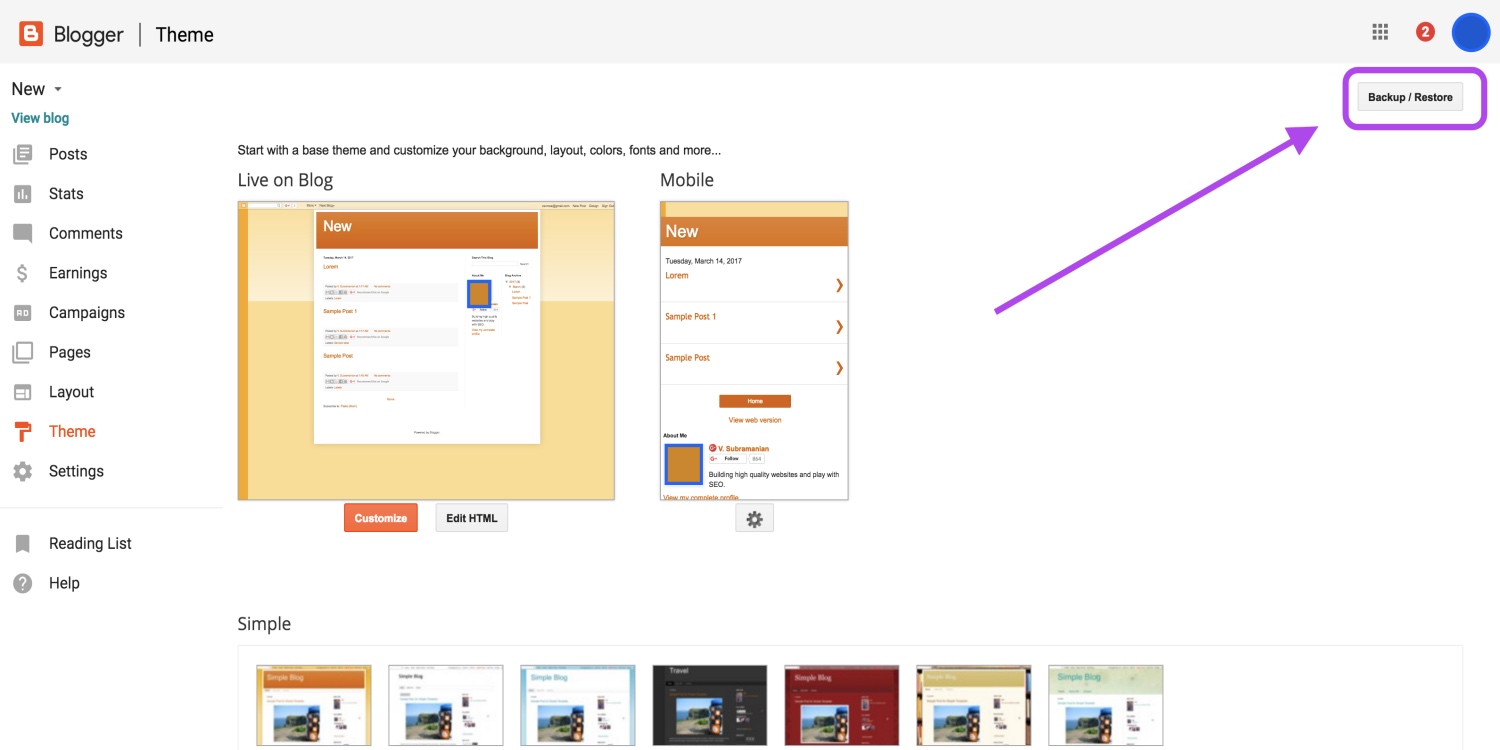
Look at the top right corner, you will see “Backup / Restore” button and click it on.
You must logged in your google account to access your blogger dashboard (Ignore this step if you are already logged in)
Choose (If you have multiple blogs) your Blog in your Dashboard that you want to change template, and click “Theme” in the option panel on the left.
Look at the top right corner, you will see “Backup / Restore” button and click it on.
Here upload your template and enjoy your blog.